01
The essentials, all included
Pitch-preserving speed control, global hotkeys for nearly every action, optional auto-rewind on resume, A-B repeat, silence jump, EQ, foot pedal support.
AI writes the draft. You make it right.
For Windows and macOS · Coming soon
Free trial of every feature. Pro is planned as a one-time purchase, with no subscription.
Before a transcript ships, you still listen through and check everything — rewind, listen, fix. The tools built for that work stayed old.
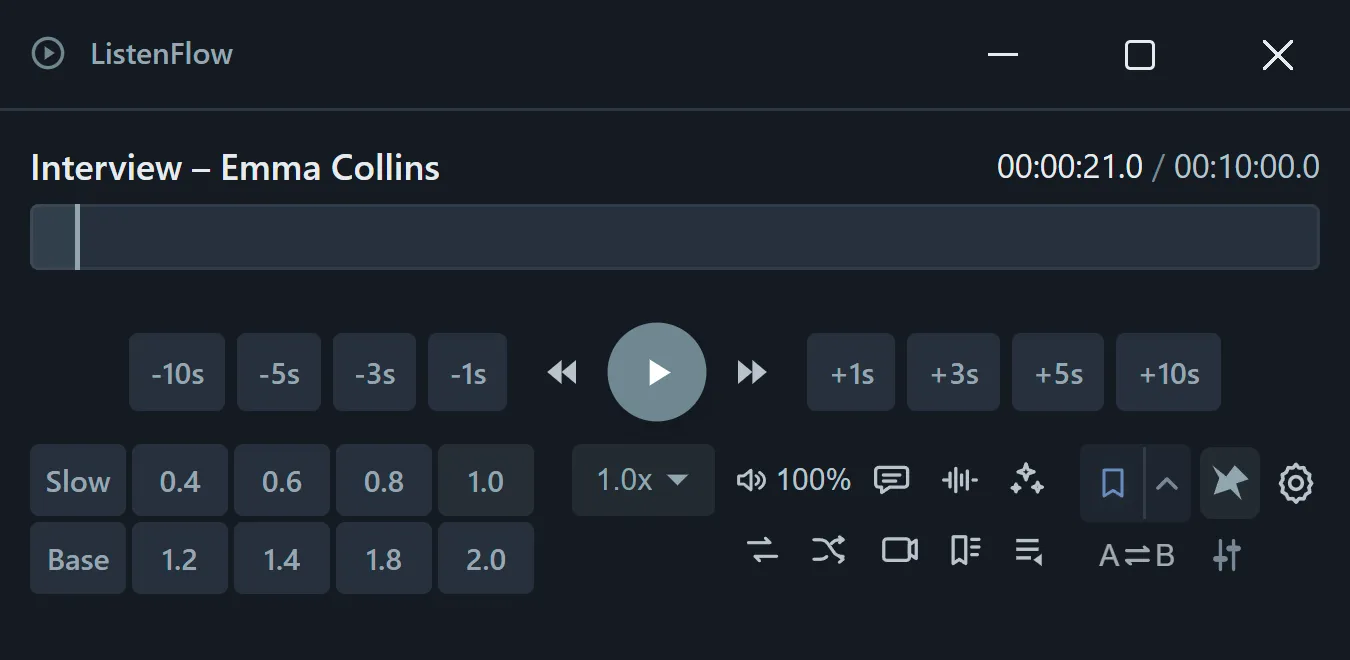
ListenFlow is a playback player designed for this finishing stage.
Pitch-preserving speed control, global hotkeys for nearly every action, optional auto-rewind on resume, A-B repeat, silence jump, EQ, foot pedal support.
Select a timestamp, or any phrase without one. Word, Google Docs, or whatever you already write in.
Local STT runs entirely offline. Transcribe without uploading your audio — even for work under NDA.
The compact window sits in a corner of your screen without getting in the way. Control playback, speed, and repeat with hotkeys while you keep writing — no more jumping between windows.
Eight speed presets (P1–P8) plus Slow / Base, one tap away. Pitch stays put.
±1s / 3s / 5s / 10s. Optional auto-rewind on resume (0–5 s).
Mark spots to recheck with five colors on F1–F5. Review them together later.
Always see where you are. Select and repeat ranges right on the waveform.
Press conferences, earnings calls, YouTube sources — watch while you work.
Show subtitles or transcripts as a document. For proofing by reading while listening.
Press J / Shift+J to jump to the next or previous pause. Find where each line starts, fast.
An 8-band equalizer, plus one-tap Voice Boost, low-rumble cut, and Auto Level to bring voices forward.
A-B repeat, playlists, foot pedal support, and fully remappable shortcuts are included too.
Check what a passage says or get expressions explained, on the spot — an aid for listening comprehension. Runs on the Gemini API key you configure; audio goes directly to Gemini only when you run it (API usage billed separately).
Record audio playing in your browser and send it straight to transcription or analysis. For streams and press events.
One key jumps back a few seconds and replays (Wait, what?); another loops that stretch (Quick Repeat). Hold Slow plays at low speed only while you hold the key — no need to stop typing to recheck.
16 themes and 10 accent colors — for bright offices and late-night screens alike.
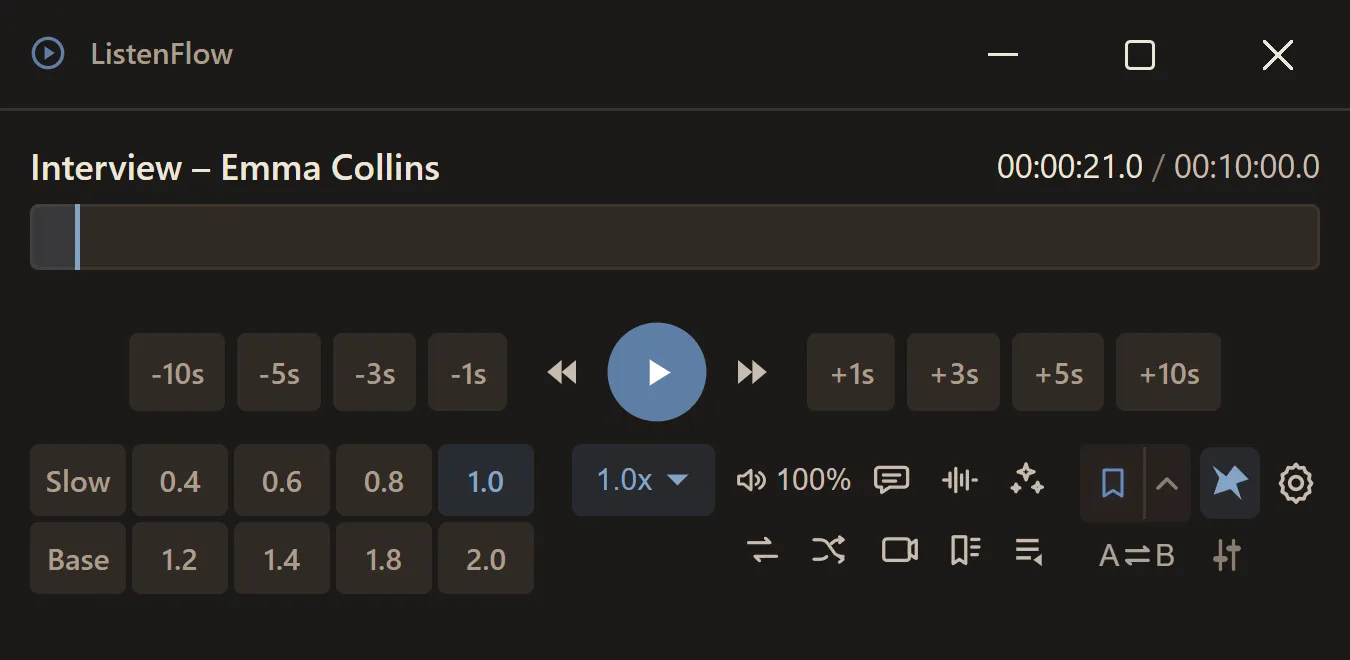
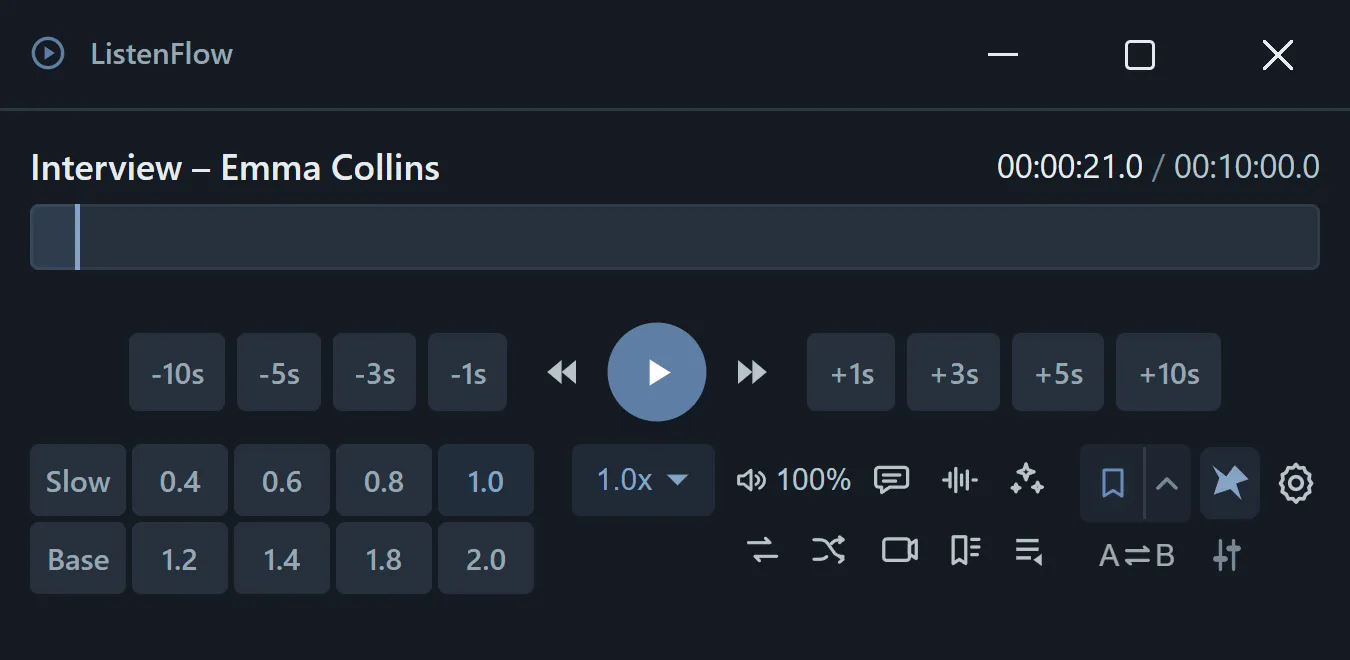
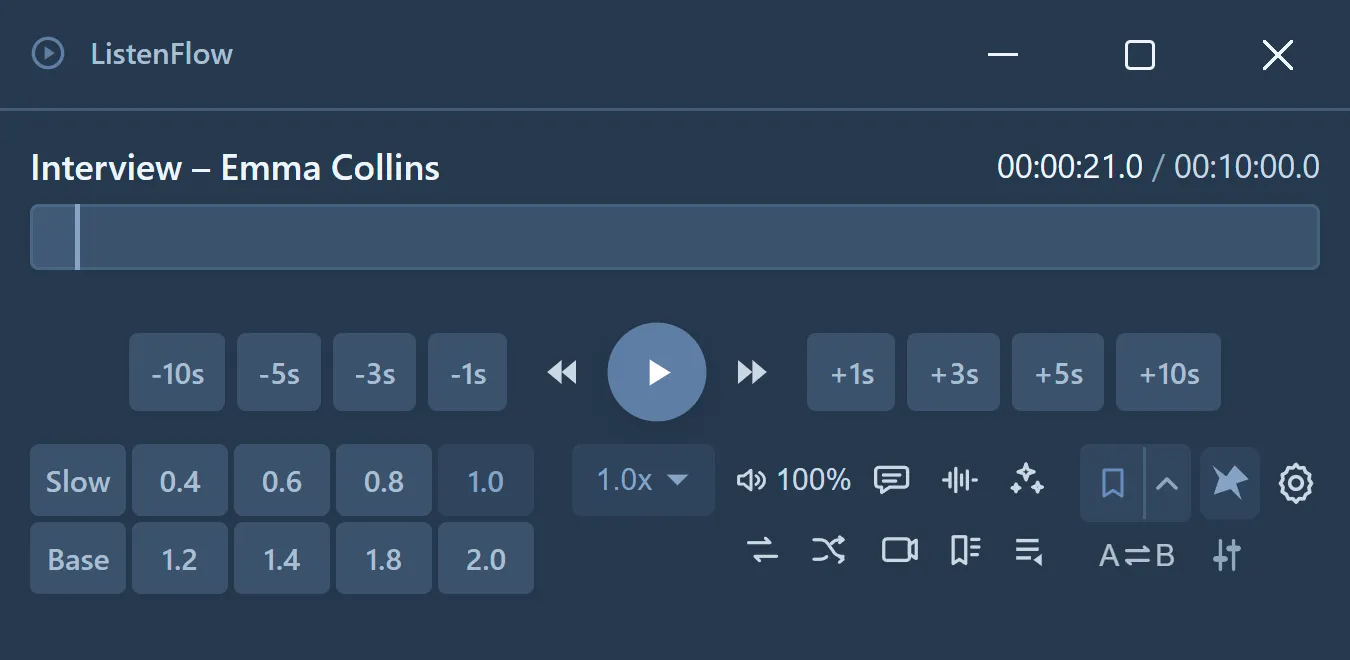
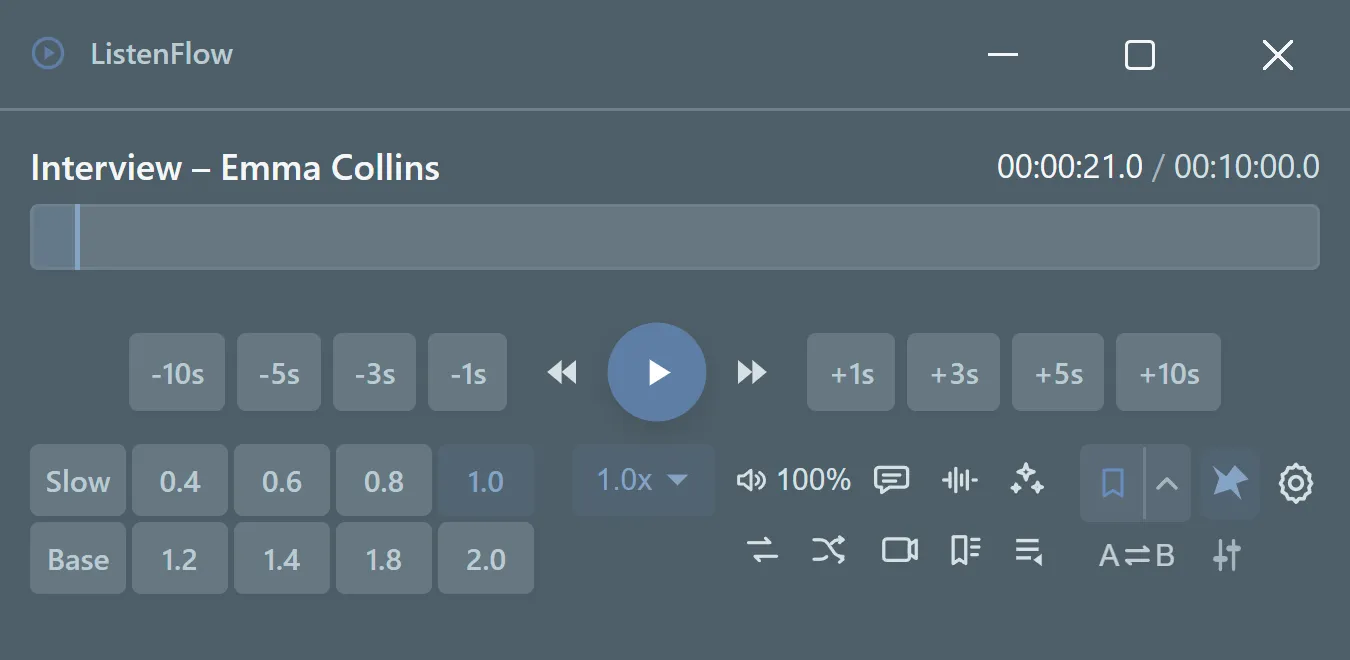
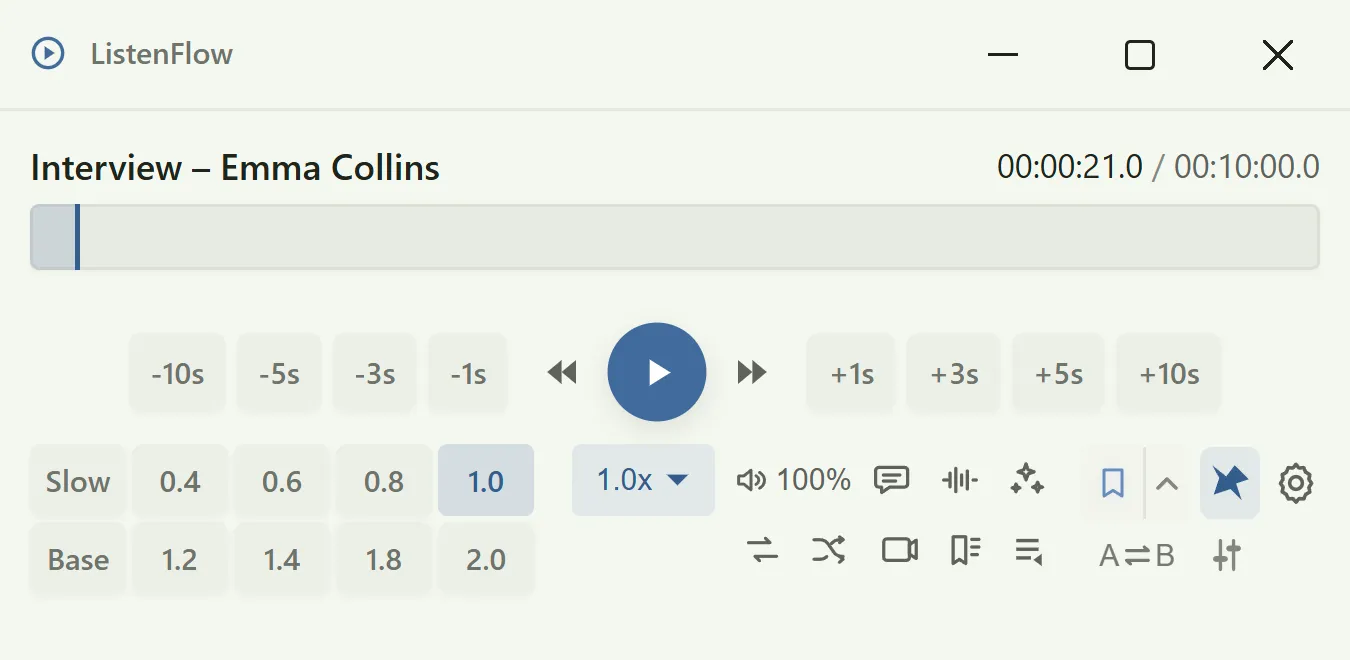
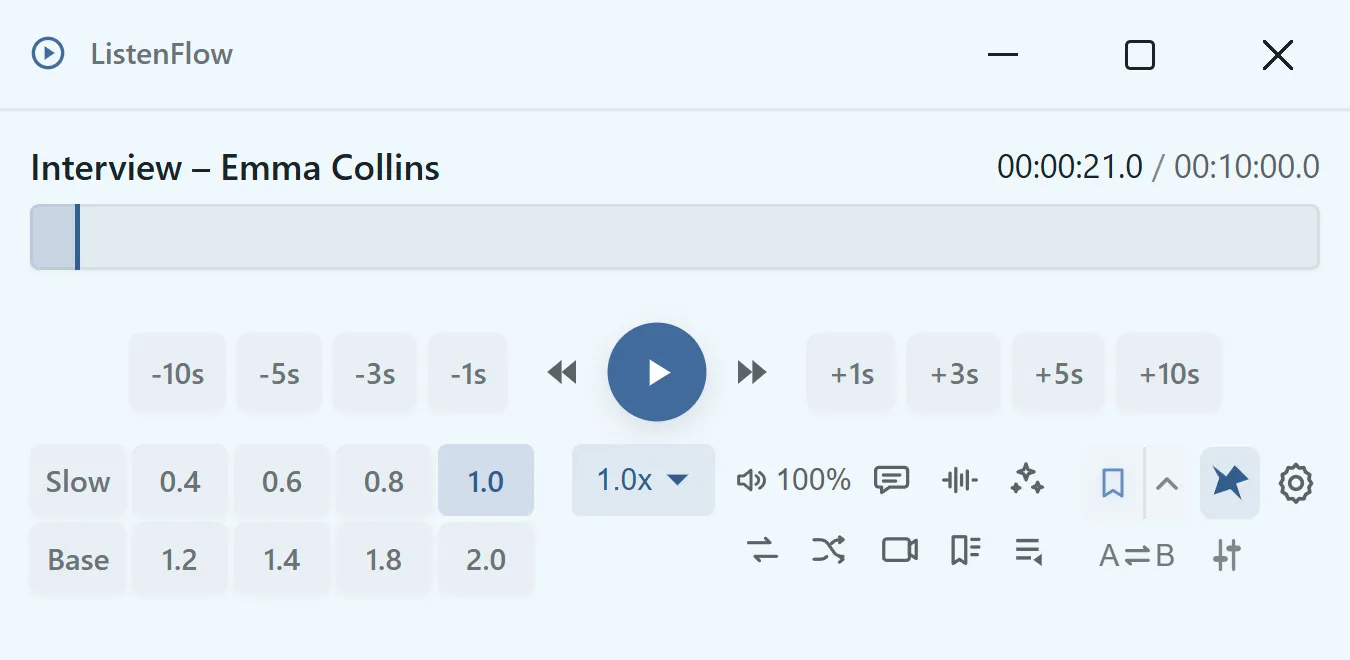
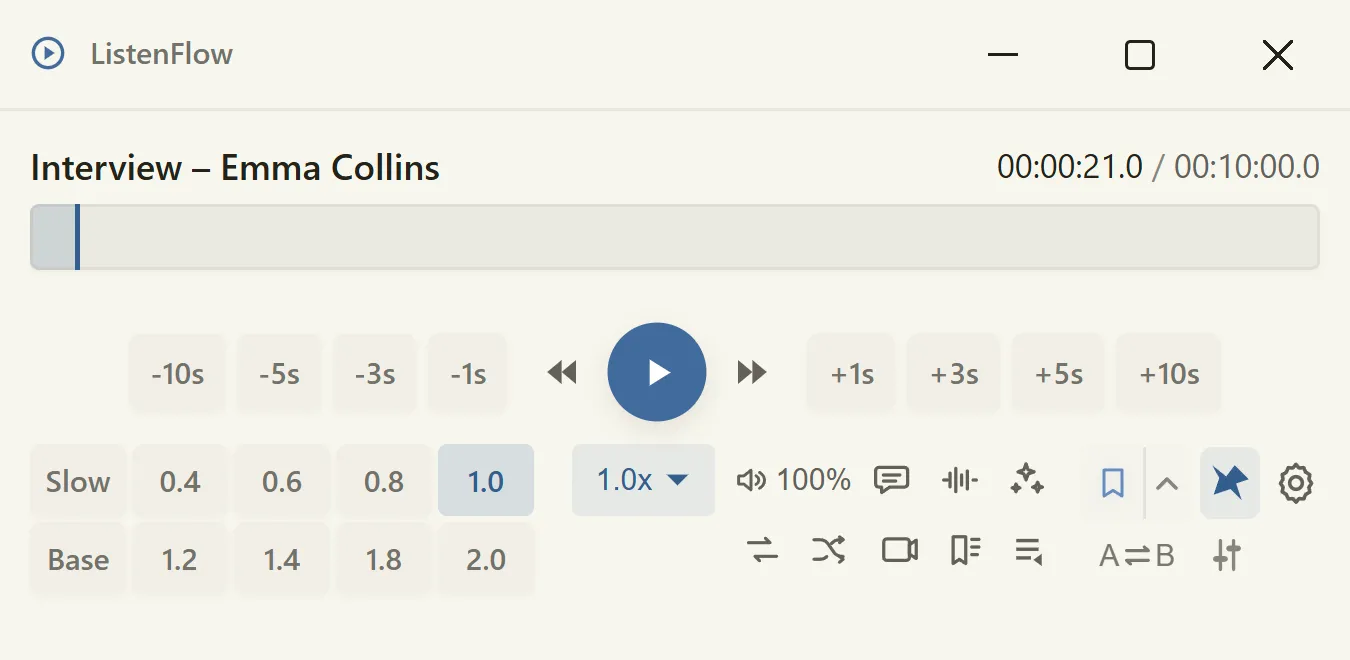
Umber · Ink · Dusk · Rain · Sage · Slate Mist · Linen
10 accent colors
Features that use an external AI service, like AI analysis, send data only when you run them — directly, with your own API key. Never through the developer's servers.
No sign-up required. Install it and start working.
One setting stops ListenFlow from sending anything to outside services.
ListenFlow is built for my own daily transcription work.
Every feature is free during a trial period. After that, ListenFlow keeps working as a basic player. Pro is planned as a one-time purchase to keep everything unlocked, with no subscription.
ListenFlow is still in active development. Features and screens shown here may change before release. New features are on the way, and we'll keep waitlist members posted on our progress.